here's a nice trick with BorderFade:
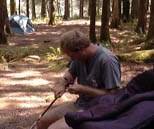
we'll put this image, as one of a few, into a colage
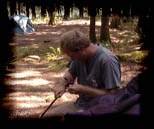
BorderFade it,

then pick the Magic Wand selection tool,
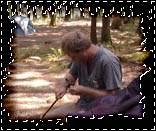
click it on the corner with zero tollerance and no anti-aliasing,
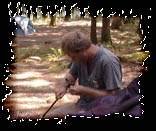
in the menu, Select / Select Inverse, and do a Copy,
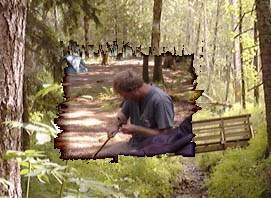
pick out a good back drop image, make a New Layer, and do a
paste,
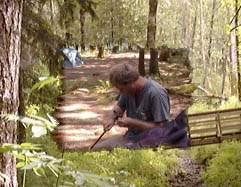
DC Layer / LayerBlend feathers it nicely, here I used it twice,

with the move tool...
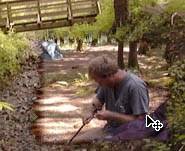
position it where you want it for now...
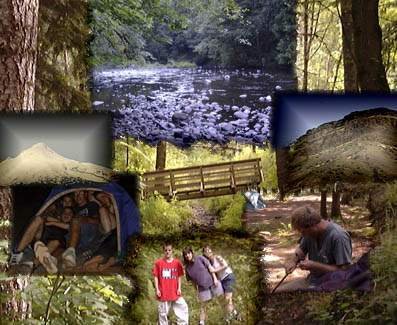
repeat the steps above, then chose layer by layer, repositioning
till it's perfect.